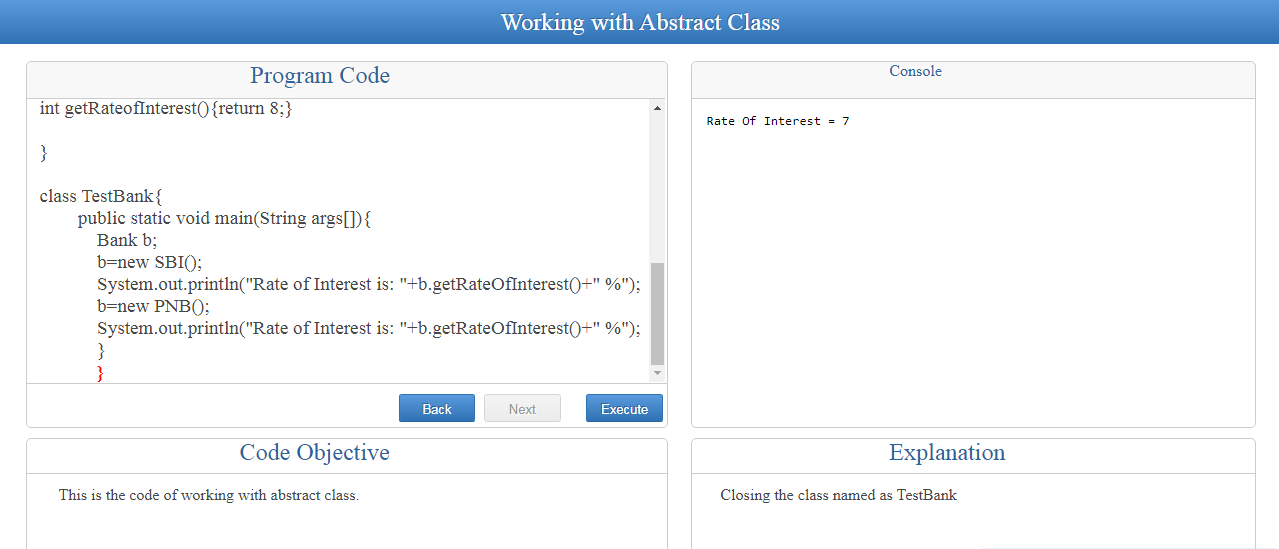
Procedure
1. Press "Start" button to start the execution of code.
2. After pressing the "Start" button you can see the code ojective in the bottom left box of "Code Objective".
3. Then click on the "Next" button to proceed for line by line explanation of code.
4. To re-read any previous line of code, use "Back" button.
5. You can see the expalnation of the colored (red) line in the bottom right box of "Code Explanation".
6. After reading the whole code, now you can press the "Execute" button.