Procedure
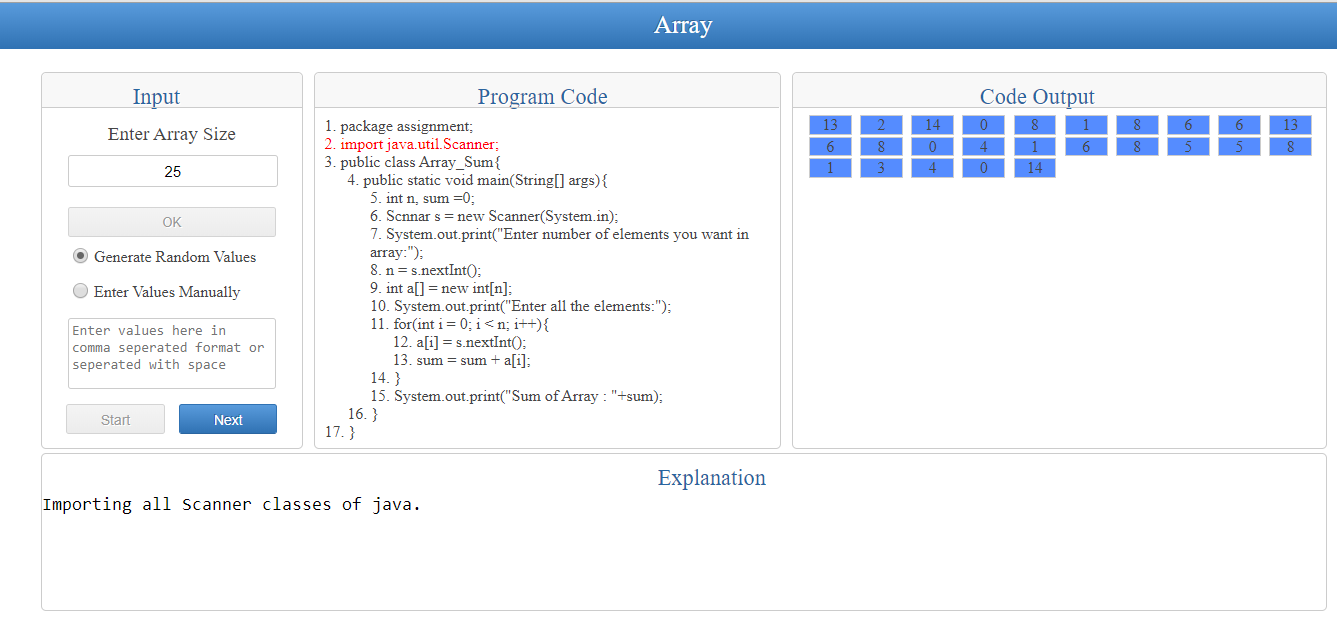
1. Enter the size of Array.
2. Select the way to enter the values in Array..
3. If you select "Generate Randon Values" then the values will be automatically store in Array but if you select "Enter Values Manually" then you have to eneter the values according ton the size of array in the provided Text-Area.
4. Press "Start" button to generate the code and create the array.
5. Now you can see the code and the array in their respective box.