Copyright©2023 | Lab developed by Virtual Labs, IIT Roorkee
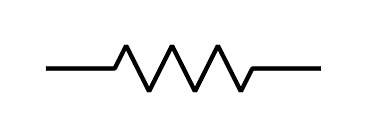
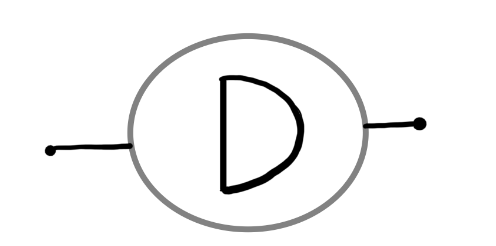
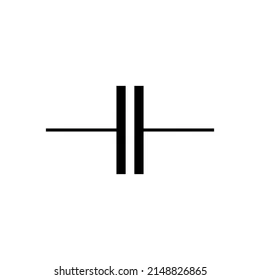
Components

Formulae
After balancing circuit, equating real part we have:
`frac(R4)(R3) = frac(C1)(C2) + frac(R2)(R1)`Also, equating imaginary part we have:
`f = frac(1)(2pisqrt(R1R2C1C2))`WorkSpace
--.--
Wien Robinson's frequency Bridge
close
-
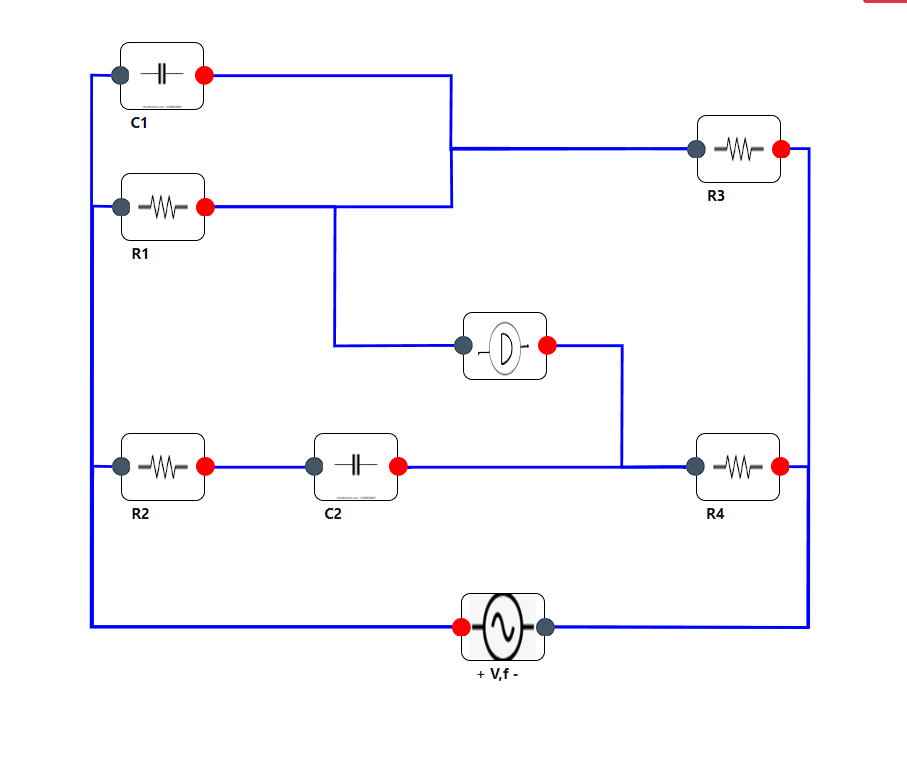
•Pick up four resistances,two capacitors, a ac voltage
source and a detector from the toolbox.
-
•Connect the elements as shown in the figure to form a
Wien Robinson's frequency Bridge.
-
•After making the circuit click on check circuit button
to check the connections
-
•Select the ratio (R4/R3) from the dropdown available
(default value is 2)
-
•Now enter the values of resistors and capacitors such
that first equation of balancing is satisfied i.e.
(R4/R3)=(R2/R1) +(C1/C2). Enter AC voltage source value and
click on the submit button. A blanck value of digital meter
indicates that first balancing condition is not met.
-
•After entrering all values digital meter shows deviation
from the actual frequency value where a negative value shows
that calculated frequency is lesser than the actual frequency
while a positive value refers to larger calculated value and a
zero value represents balanced bridge.
-
•In order to fix negative value of digital meter decrease
the resistance and capacitance values keeping the initial
ratio constant and for fixing a positive value increase the
resistance and capacitance value satisfying the first
balancing condition.
-
•Repeat the experiment until the bridge gets balanced.
-
•After balancing the bridge, unknown frequency will be
automatically added to the observation table.
-
•Take atleast 5-7 readings at different value of inputs
and calculate the average of all values.
close
Observation Table
Close
Close
Wien Robinson's frequency Bridge
Close
After balancing circuit, equating real part we have:
`frac(R4)(R3) = frac(C1)(C2) + frac(R2)(R1)`Also, equating imaginary part we have:
`f = frac(1)(2pisqrt(R1R2C1C2))`Calculations
Give Input :
Observation Table
| R1 | R2 | C1 | C2 | Voltage | `f` |
|---|