×
INSTRUCTIONS :
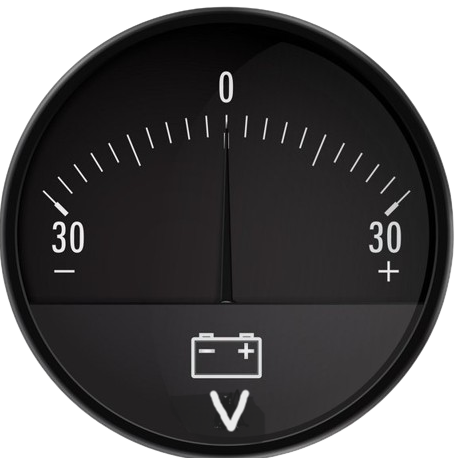
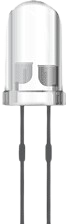
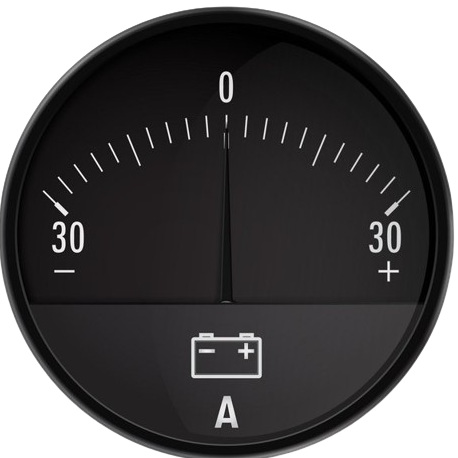
- Step 1: Get the required Apparatus by clicking on the 'COMPONENTS' button.
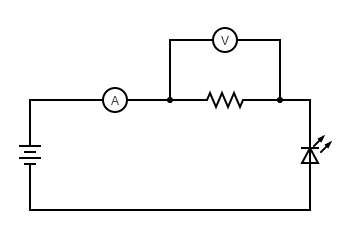
- Step 2: Make connections as per the given Circuit diagram.
- Step 3: Click on the 'CHECK' button for checking the connections.
- Step 4: Switch ON the 'POWER' button after making right connections.
- Step 5: 'CONTROLS' will now get enabled , you can start taking readings in the observation table.
- Step 6: Click on the 'PLOT' button to plot the Graph. IMPORTANT !!
- 1. If you made wrong connection while making your circuit you have to start again by clicking on 'RESET' button and make fresh connections.
- 2. Keep the 'RESISTANCE' value constant.
- 3. Observation table will be enabled only when ' POWER SUPPLY ' will be Switched ON.
CIRCUIT DIAGRAM :
Controls
Observation Table
| S.No. | VOLTAGE (volt) V |
CURRENT (Ampere) A |
|---|